Installing Gifox
Get Gifox running on your Mac in four quick steps.
- Double-click Gifox.dmg in your Downloads folder to open it.
- Drag and drop the
 Gifox app into the
 Applications folder.
- Open the Applications folder, then double-click Gifox to launch it.
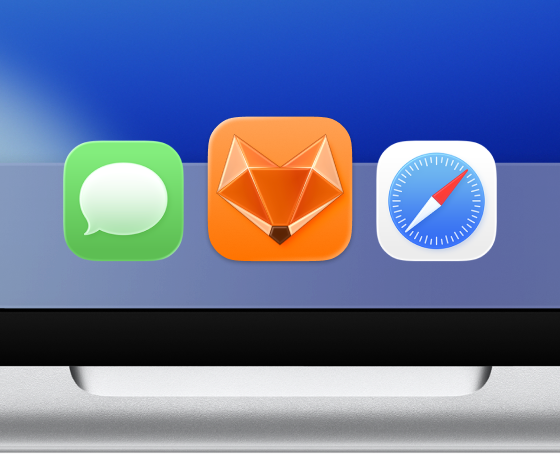
- After setup, find the
 Gifox icon in the menu bar at the top right.
From zero to hero
Get the most out of Gifox with these essential guides.
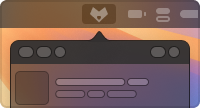 Gifox interfaceMenu bar icon, library, menus and preferences
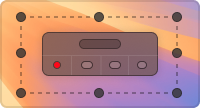 Select and recordSelection modes, recording settings and permissions
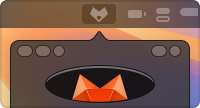 Import and convertImport videos and images in all supported formats
 Edit and fine-tuneTrim, cut and arrange tracks in the editor window
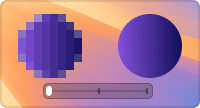 Optimize and exportQuality, size and playback settings for exporting
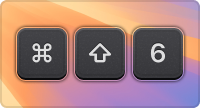 Keyboard shortcutsLibrary, recording, selection and editing shortcuts
© 2026 Bitwild Ltd
Made with in London
Made with
in London